PDF Viewer
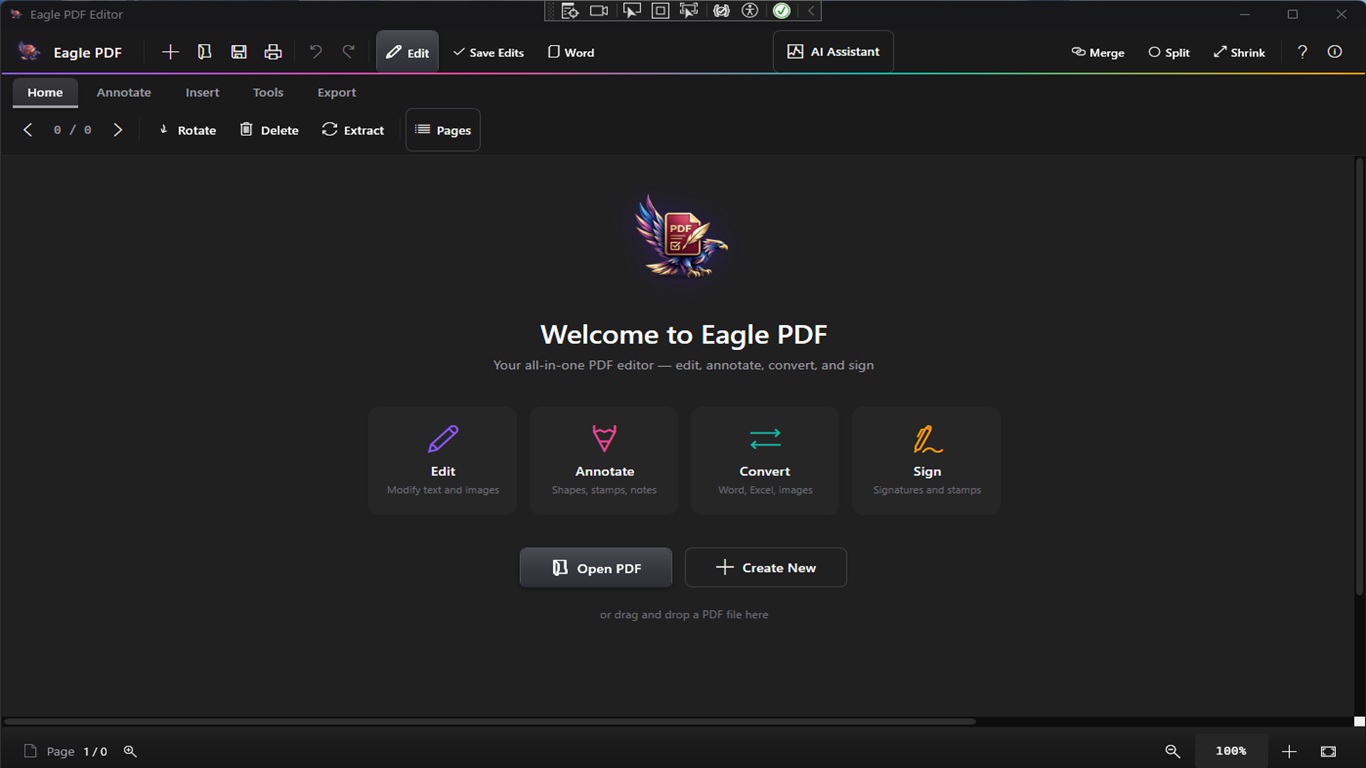
Fast, high-quality PDF rendering with smooth scrolling, zoom controls, page navigation, and a modern dark-themed interface.
Annotations & Markup
Highlight text, add sticky notes, draw freehand, insert text boxes, and use shapes like rectangles, circles, arrows, and lines.
Merge PDFs
Combine multiple PDF files into a single document. Drag and drop files to merge contracts, reports, and presentations effortlessly.
Split PDFs
Extract specific pages or split a large PDF into smaller files. Select page ranges or split by every N pages for easy sharing.
Encrypt & Protect
Password-protect your PDFs with AES encryption. Set document permissions to control printing, editing, and copying of sensitive content.
Digital Signatures
Draw, type, or upload your signature and place it anywhere on the document. Sign contracts, forms, and agreements instantly.
Create PDFs
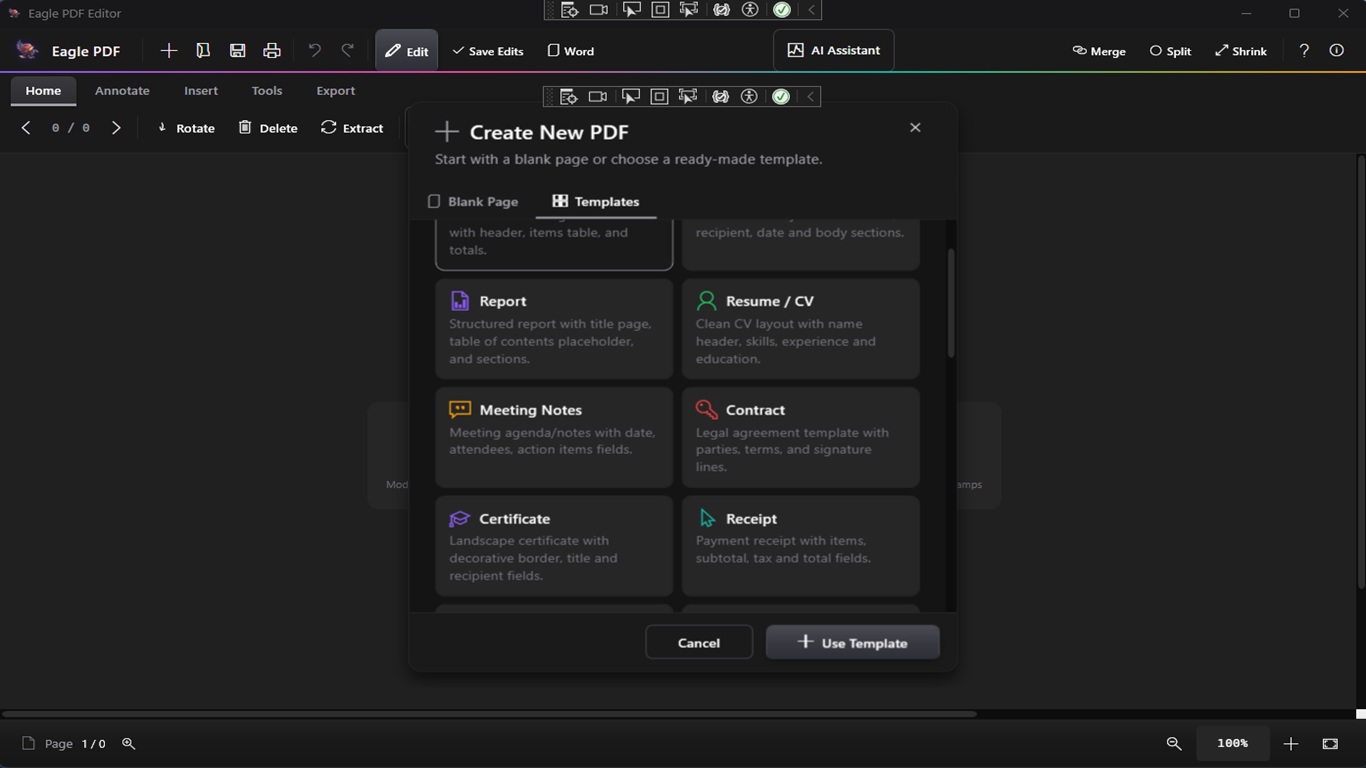
Create new blank PDF documents in A4, Letter, Legal, or custom sizes with portrait and landscape orientation. Start from scratch or from templates.
20+ Templates
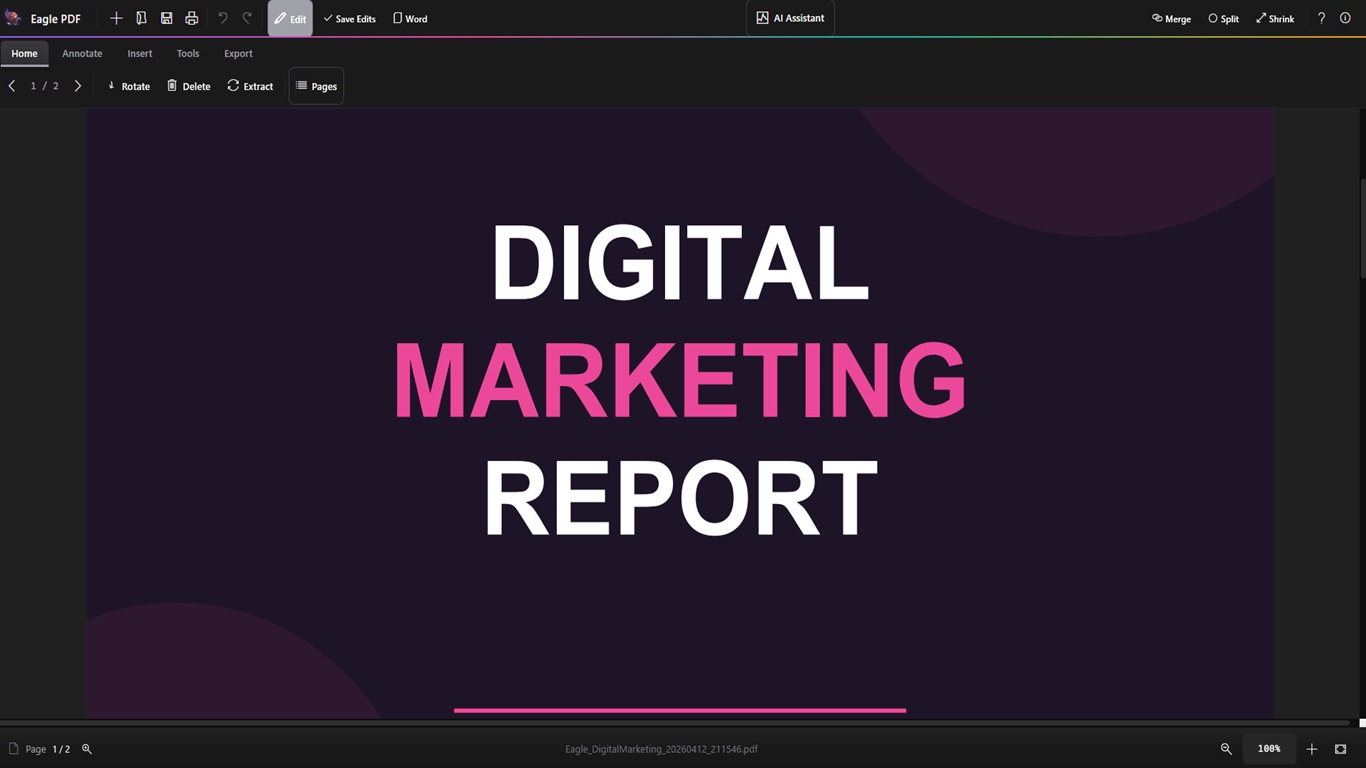
Choose from over 20 professionally designed templates including invoices, contracts, reports, letters, resumes, and business forms.
AI Assistant
Built-in AI assistant to summarize documents, extract key information, answer questions about your PDF content, and generate text.
OCR Text Recognition
Extract text from scanned documents and images using optical character recognition. Convert image-based PDFs into searchable, selectable text.
Page Management
Thumbnail sidebar for quick navigation. Reorder, insert, delete, and rotate pages. Extract single pages or ranges with full control.
Images & Stamps
Insert images, logos, and custom stamps onto any page. Add watermarks and overlay content for professional document branding.
Convert & Export
Export PDF pages as high-quality images (PNG, JPEG). Convert documents between formats for compatibility with any workflow.
Form Filling
Fill out interactive PDF forms with text fields, checkboxes, and dropdowns. Complete tax forms, applications, and surveys digitally.
Search & Find
Instantly search for text across your entire document. Find and navigate to specific words, phrases, or content with keyboard shortcuts.
Print & Batch Print
Print PDFs with full control over page range, scaling, orientation, and paper size. Batch print multiple documents in one go.
Bookmarks & Links
Add, edit, and navigate bookmarks for quick access to sections. Insert hyperlinks to URLs or internal pages within your document.
Side-by-Side Compare
Open and compare two PDF documents side by side. Review changes, verify revisions, and cross-reference content simultaneously.
Dark Mode Interface
Modern dark-themed UI designed to reduce eye strain during long editing sessions. Clean, distraction-free workspace for maximum productivity.